The short answer
You can add a 3D product configurator to a Shopify or WooCommerce store in three ways: an app or plugin from a configurator platform, a custom viewer built into your product page, or a stand-alone configurator that sends an order or quote request. The real decision is how the chosen options reach your cart and your order.
Three ways to add a 3D configurator
1. An app or plugin from a platform
Platforms such as Zakeke and Kickflip offer Shopify apps and WooCommerce integrations. You install one, set up products and options in the vendor's dashboard, and the configurator appears on your product page. It is the quickest start, inside the vendor's interface. Our guide custom-built 3D configurator vs Zakeke, Threekit or Kickflip compares this route with a custom build.
2. A custom viewer on your product page
A developer builds a 3D viewer for your product and places it in your product page template. It runs in the browser with WebGL, for example through Three.js, and loads your product as glTF/GLB files. The menus follow your store's look. This is what our 3D product configurator development service builds.
3. A stand-alone configurator that sends a request
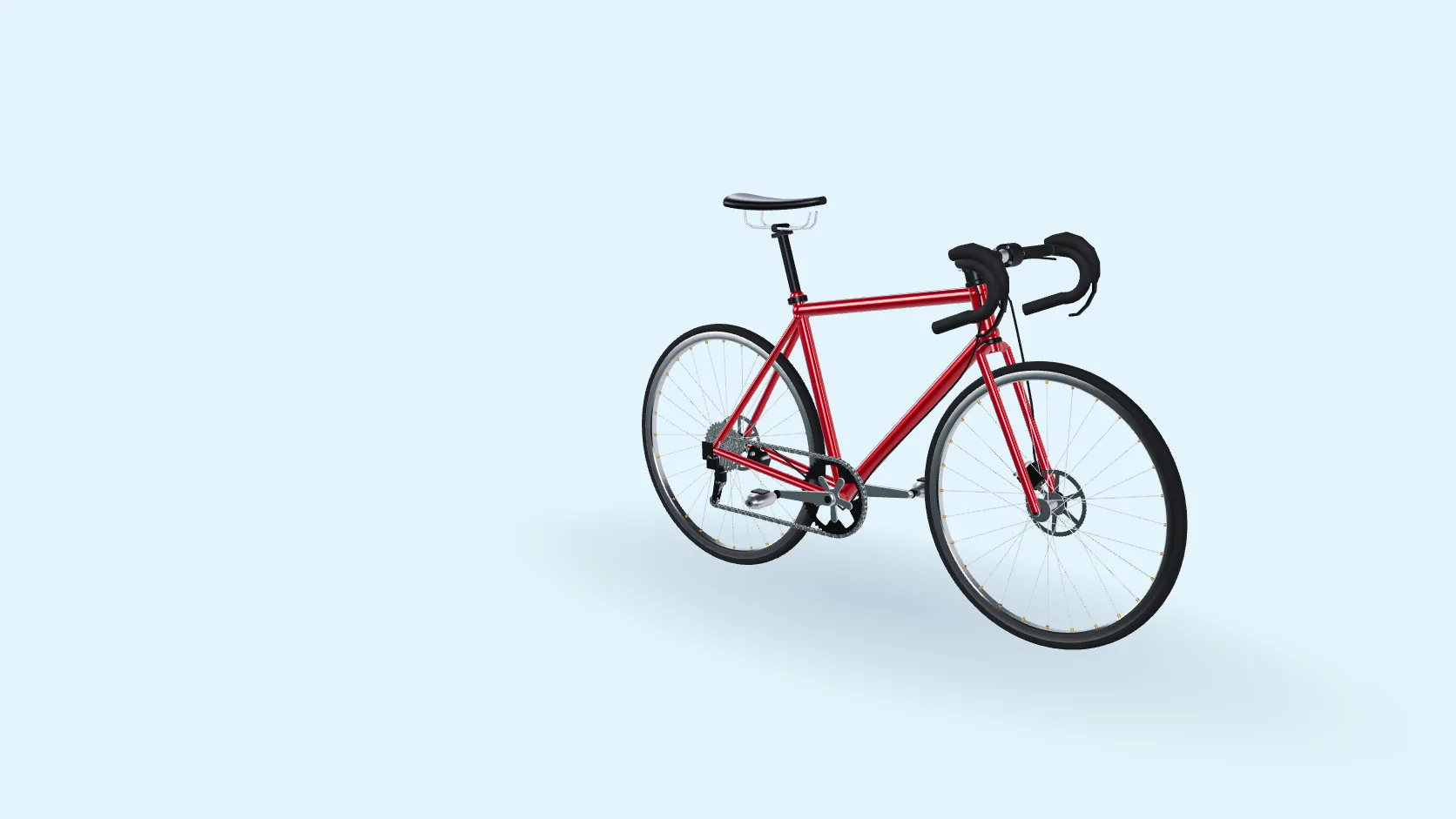
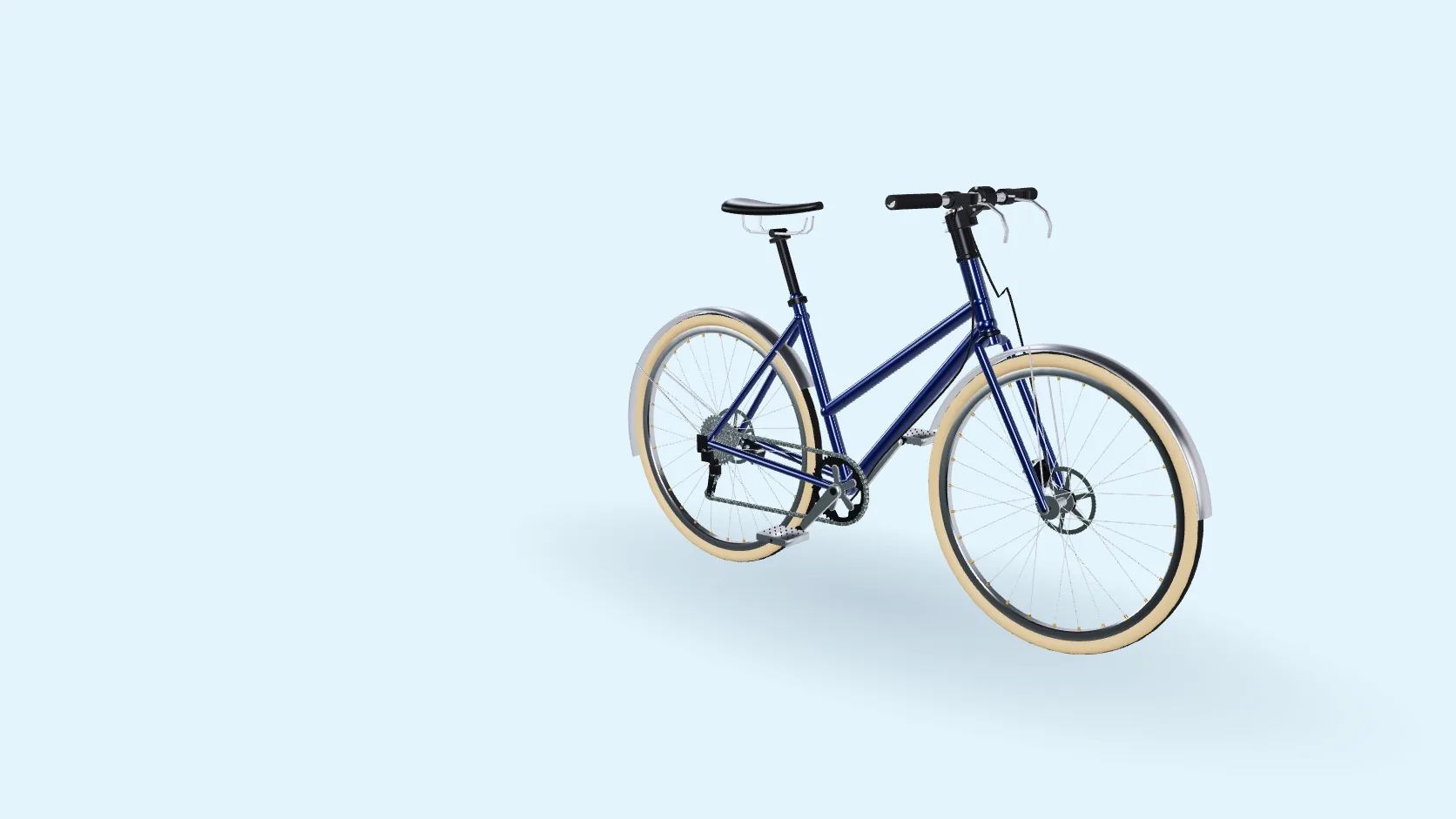
For large or made-to-order products, such as furniture or bikes, the configurator can sit on its own page and send the finished configuration to a quote or order form instead of the cart. Your team checks the details and confirms the price before production.
How the chosen options reach the cart
Either way, the choices must reach the order in a form your team can produce from. There are two common patterns.
| One variant per combination | One product, with the details attached | |
|---|---|---|
| How it works | Each combination is a variant with its own SKU and price | The shopper adds one product, and the configurator attaches the choices, such as collar, fabric or monogram, to that cart line |
| Works best when | Combinations stay few | There are many parts and materials |
| Shopify | Up to three options and 2,048 variants per product | Line item properties; a name that starts with an underscore is hidden at checkout, which suits internal codes |
| WooCommerce | Variable products; above 30 variations, the option dropdowns switch to a simpler static mode to keep pages fast | Extensions such as Woo's own Product Add-Ons add extra fields to the product |
Our thobe demo shows why: 9 collars, 4 cuffs, 4 plackets, 6 chest pockets and 37 fabrics make five option groups, more than the three options a Shopify product can have. If options change the price, decide early how the cart calculates it: priced variants, priced options or add-ons, or custom code. For a Glorvia build, we set the route in the quote.
For stores in Türkiye: ikas and Ticimax
ikas supports variant products with up to three variant types, and product options such as choices, checkboxes, colour pickers, text and files, which can carry a price. Ticimax lists variant management with its own price, description and photo for each variation, and script management for external code. We plan the cart connection for either platform in the quote.
What to prepare
glTF and GLB in plain words
glTF is an open, royalty-free format from the Khronos Group for delivering 3D models to apps and browsers efficiently. GLB is the same model packed into one binary file. Shopify's product media accepts GLB.
In the configurators we build, each option is a separate compressed GLB piece, so new parts can be added in a later phase.
Mobile performance checklist
Phones have less memory and often slower connections than desktops. Check these before launch:
How Glorvia can help
Glorvia is a fashion atelier in Gaziantep, Türkiye, that builds custom 3D configurators as one-off projects. We make the 3D parts in-house, build the viewer in Three.js in your brand style, and connect it to Shopify, WooCommerce, ikas, Ticimax or a custom store as set in the quote.
Frequently asked questions
Yes. A developer can build a custom viewer into your product page template and send the choices to the cart, for example as line item properties. Shopify's own product media can show a single 3D model in GLB or USDZ, but swapping parts and materials needs a configurator.
Yes. Platforms such as Zakeke and Kickflip offer WooCommerce integrations, and a developer can add a custom viewer to your product template. The choices can reach the cart as variations, as add-on fields from an extension such as Woo's Product Add-Ons, or as details attached by custom code.
Only when combinations are few. Shopify allows three options and 2,048 variants per product, and ikas three variant types. Products with many parts and materials are better kept as one base product, with the details attached to the cart line.
In Shopify, line item properties are extra details attached to a product in the cart, such as a chosen collar or a monogram. A property whose name starts with an underscore is hidden at checkout, which is useful for internal codes.
It can if the files are heavy. Compressed GLB files, compressed textures, sensible texture sizes and loading options as they are chosen keep it light. Show a still image first, and test on real mid-range phones over mobile data. Speed also depends on each shopper's phone and connection.
Yes. ikas supports variant products and product options that can carry a price, and Ticimax offers variant management and script management for external code. A custom configurator can work with either platform; we set in the quote how the chosen options reach your cart.
Plan a 3D configurator for your product
Send us your product and the options you want customers to choose. We will come back with how we would build it and what it takes.