A configurator built for your product
Glorvia is a fashion atelier in Gaziantep, Türkiye, that builds custom 3D product configurators for online stores. Your customers swap parts, materials and colours in the browser, on phone or desktop, and see the result in 3D before they order. We build it for your product and your store as a one-off project, and hand over the files and code agreed in the quote.
Watch the demos in 30 seconds
Short screen recordings of the live demos above. The options change instantly, in the browser.
The same system runs our own store
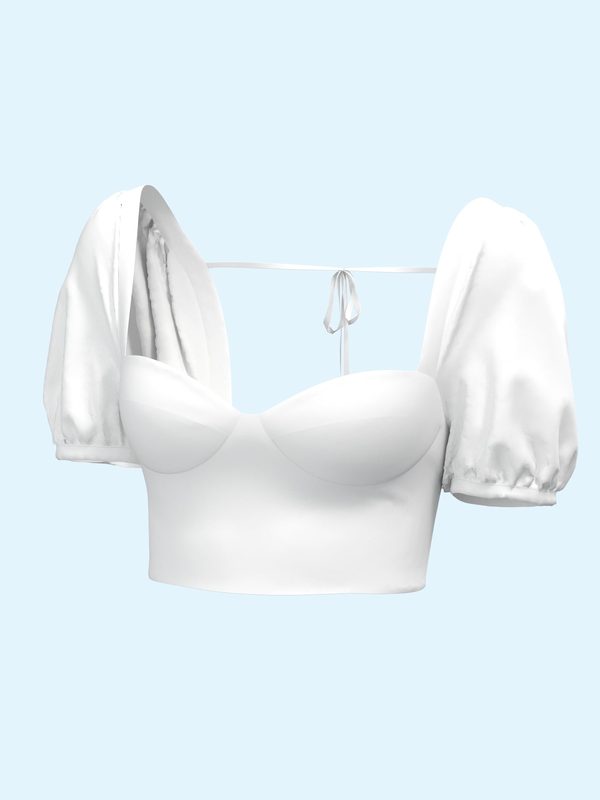
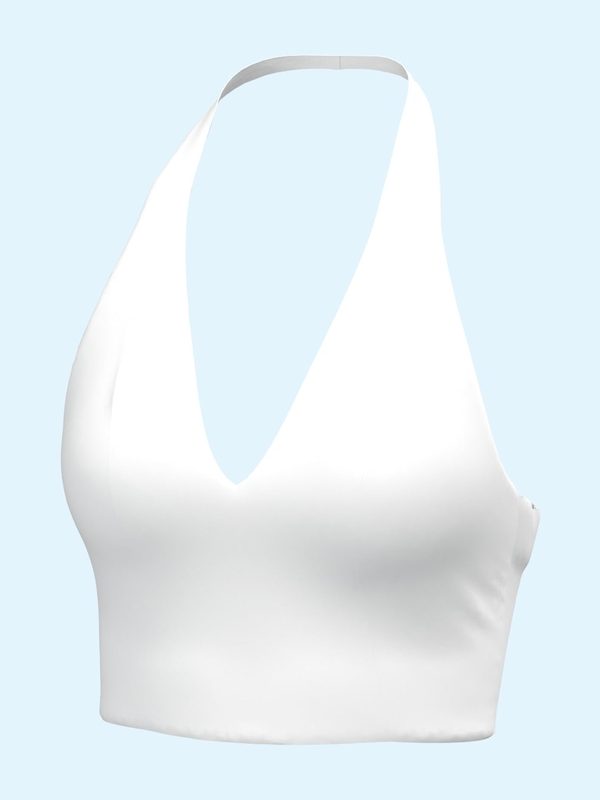
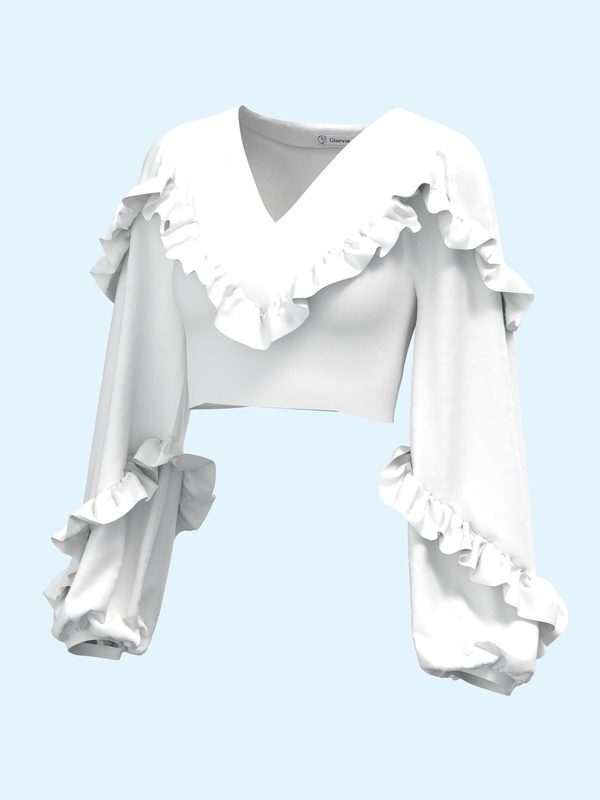
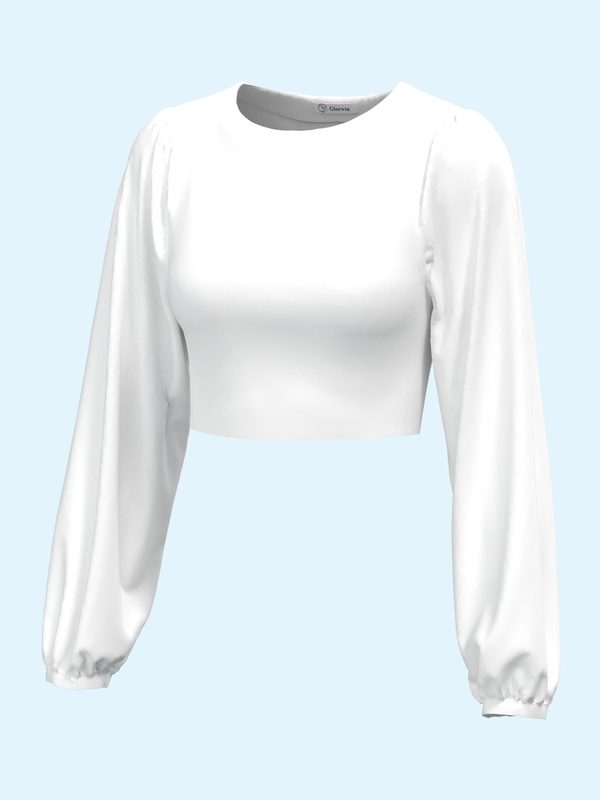
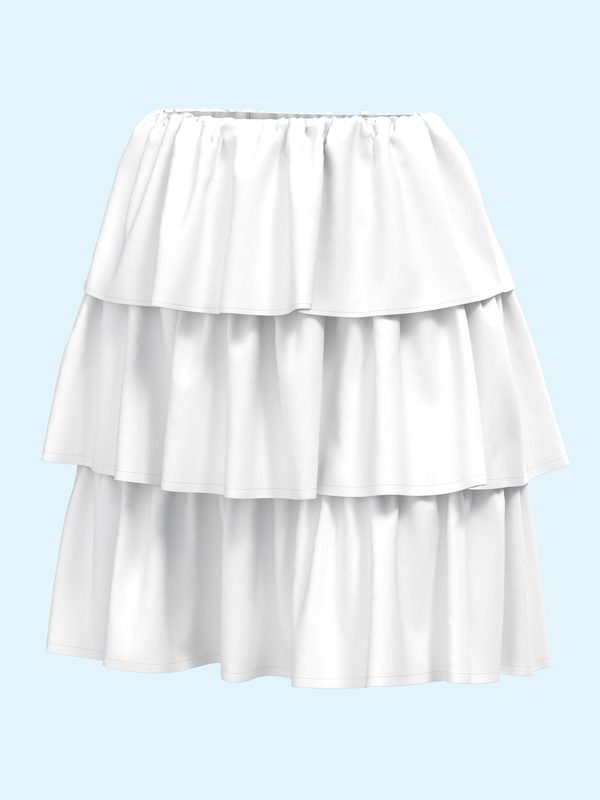
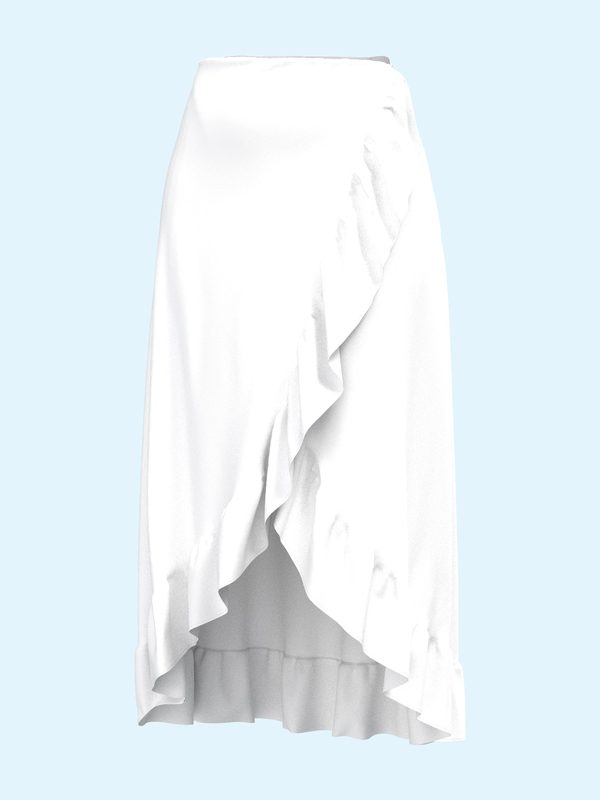
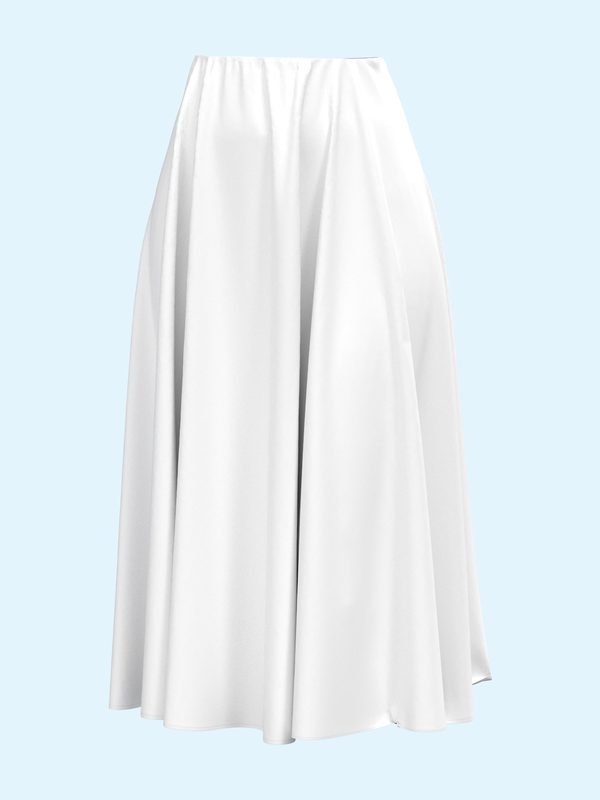
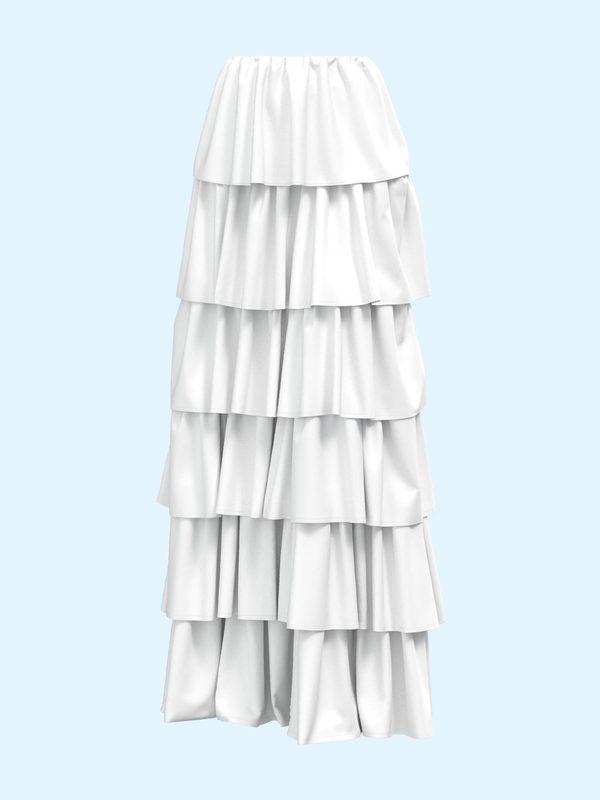
On our own store, Design Your Dress lets customers combine 70 tops and 59 skirts (4,130 combinations) and choose a fabric. We then make the dress in our atelier.
Tops
Skirts
Which products it suits
Clothing, footwear and accessories
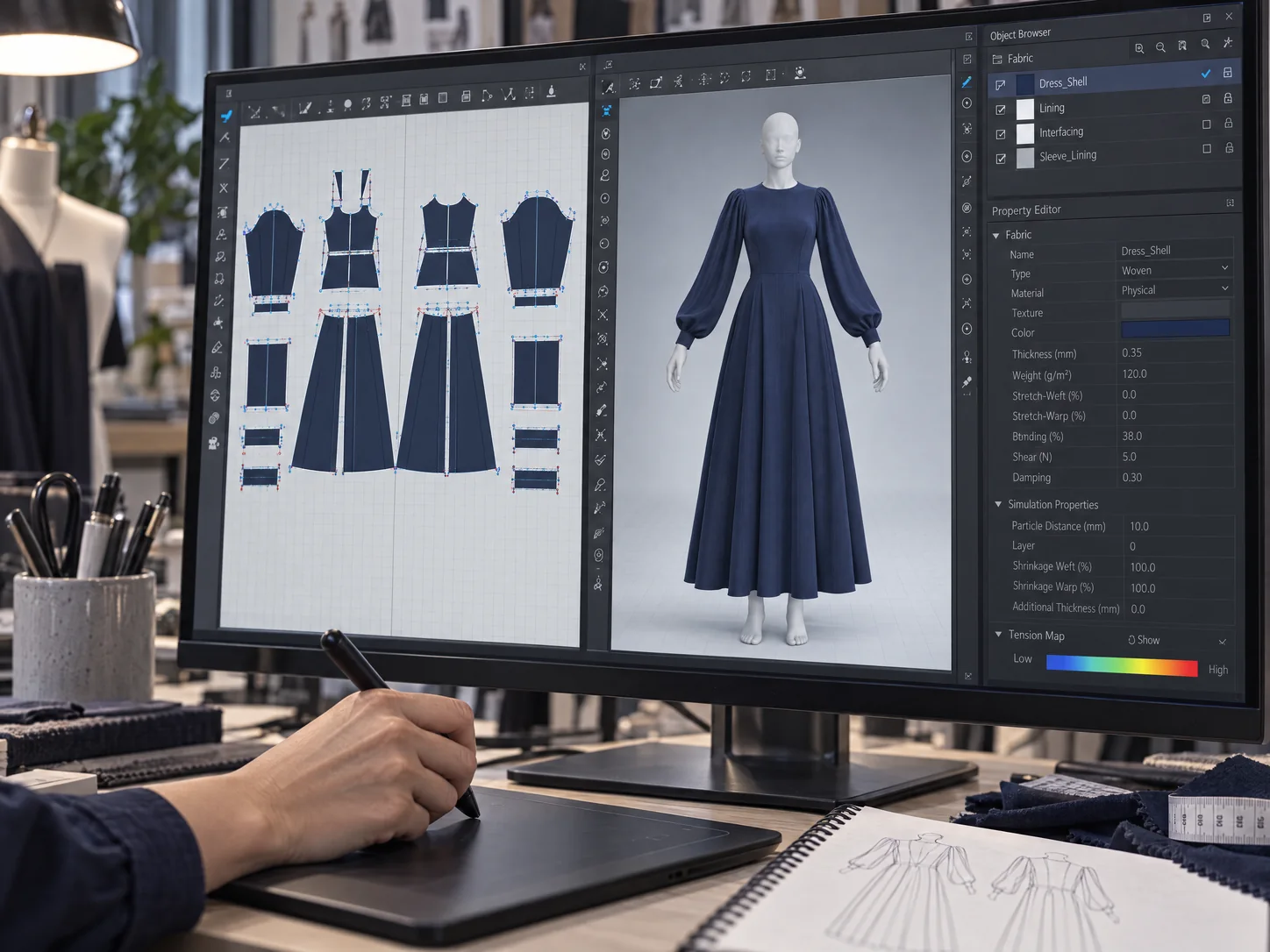
Sports jerseys, T-shirts, uniforms and workwear, bags, shoes, watches, glasses and jewellery. For sewn products we build the 3D parts ourselves from sewing patterns in CLO 3D, so seams meet where they would on the real product. A shoe customizer or a ring configurator starts from your 3D files.
Bikes
A bike configurator: frame type and size, colours, wheels, tyres, handlebars, saddles and accessories. We start from your 3D or CAD files and prepare them for the web. More on our 3D bike configurator page.
Furniture and interiors
Sofas, kitchens, wardrobes and closets, beds, doors and windows, with the frames, fabrics, woods and finishes your customers choose from. We start from your 3D or CAD files, and quote any other product after seeing your option list. More on our 3D furniture configurator page.
What your customers can change
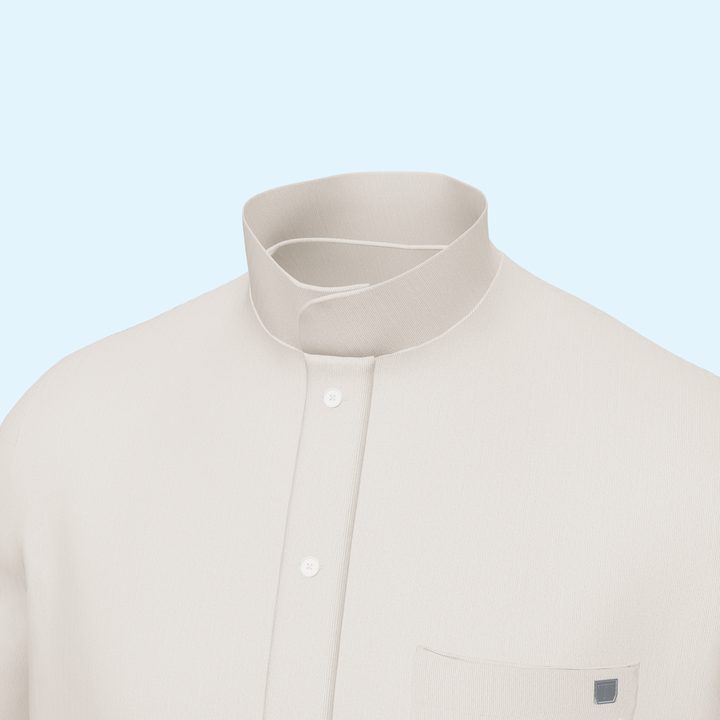
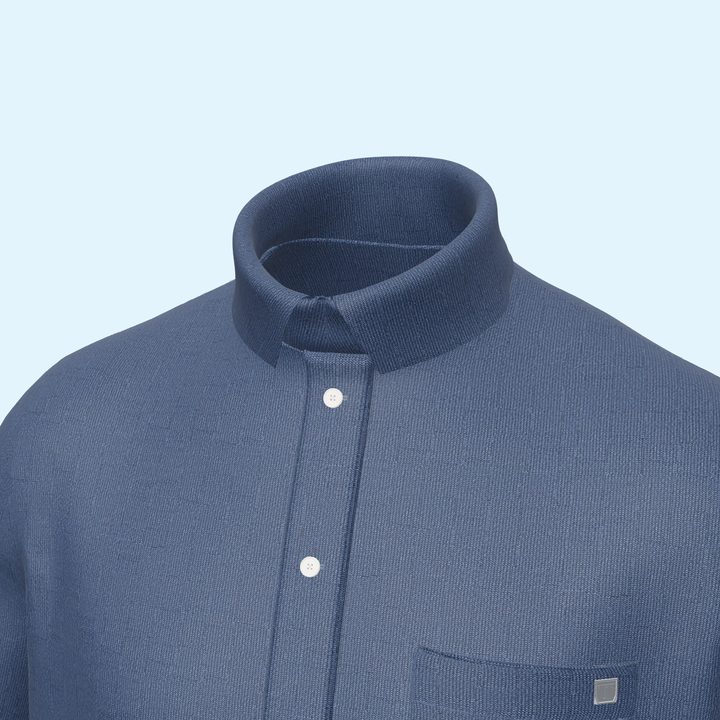
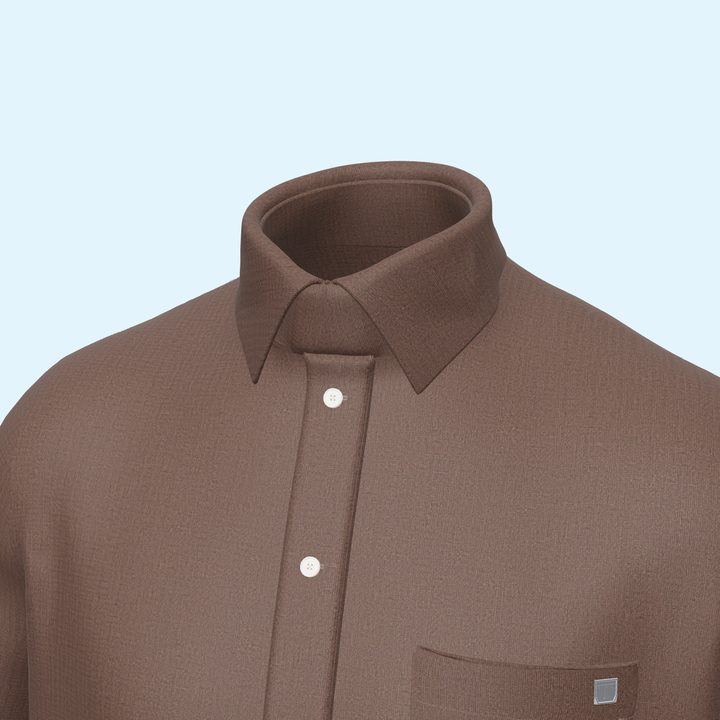
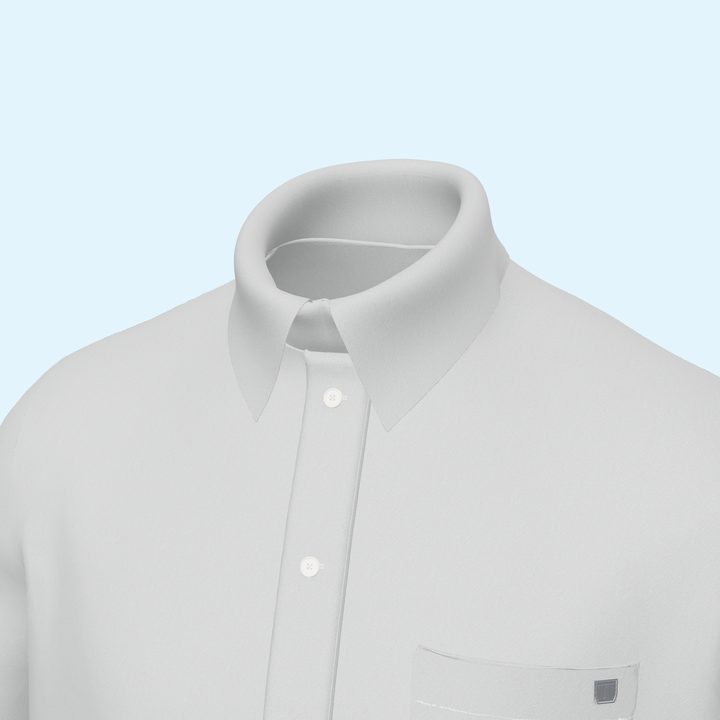
Colours on screen depend on each shopper's display. For final colour decisions we recommend physical samples.
What you get
Custom-built or a subscription platform?
| Custom-built by Glorvia | Typical subscription platform | |
|---|---|---|
| Cost | One-off project, quoted for your scope | Monthly or yearly fee |
| 3D models | Built for your product: from patterns for sewn goods, from your files for others | From models you provide or the platform's modelling service |
| Files and code | Delivered to you as agreed in the quote | Hosted on the platform |
| Look | Designed to match your store | The platform's interface with styling options |
| Getting started | Depends on how many parts and materials | Quick if your 3D models are ready |
| Good fit for | A defined range where the look and the part logic matter | Self-service setup across many products |
If you need to set up hundreds of products yourself, quickly, subscription product configurator software such as Zakeke or Kickflip may suit you better. A custom build suits a defined range where you want your own interface and your own files. For a fuller comparison, read our guide: custom-built 3D configurator vs Zakeke or Kickflip.
How we work
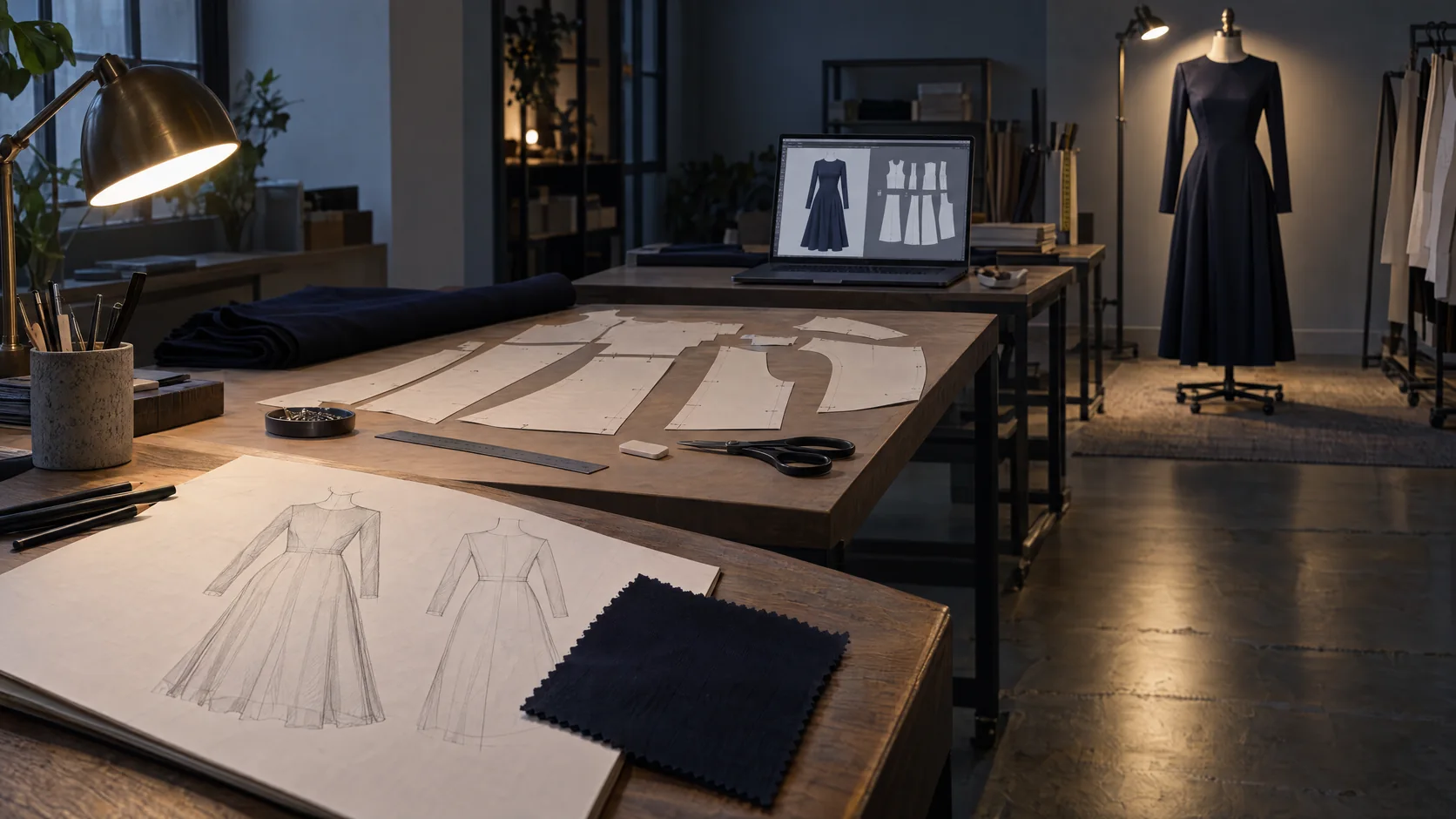
- 01Map your options
You send your product, its parts and materials, and any files you have. We agree which options combine with which.
- 02Build the 3D parts
From sewing patterns in CLO 3D for sewn products, from your 3D or CAD files for others. You review a first part before we build the rest.
- 03Build the viewer
Option menus in your brand style. The connection to your cart is included if it is in your scope.
- 04Test and hand over
We test on the phones and browsers we agree with you, then hand over the files, code and notes, or install it with your web team.
The technology, in plain words
What sets the price
The number of products, parts and materials, whether we build the 3D parts or start from your files, the interface design, cart integration and languages. We quote once we have seen your option list. Starting with one product is a good way to judge the result before adding the rest.
Send your option list on WhatsAppWorking with us

We work with brands remotely from our atelier in Gaziantep, Türkiye, by WhatsApp, email and video call.
Address: Emek Mah., Ali Nadi Ünler Blv. No: 120/D, 27060 Şehitkamil / Gaziantep.
What to send first: your product and its options, material or colour references, any 3D or CAD files, your store platform, and any configurator you like as a reference.
Who builds it: our own team in Gaziantep. We make the 3D parts in-house, from sewing patterns in CLO 3D for sewn products or from your 3D and CAD files for other products, and build the configurator in Three.js. We built the demos on this page and Design Your Dress on our store.
Page updated: November 2026
Frequently asked questions
An interactive 3D view of a product on your website where customers change parts, materials and colours and see the result straight away, before they order. It is also called a product customizer or 3D product visualization.
No. It is a one-off development project. You receive the 3D files and viewer code agreed in the quote, with no monthly licence.
Products sold in options: clothing, footwear and accessories, bikes, furniture and interiors, and more. For sewn products we build the 3D parts from sewing patterns; for other products we start from your 3D or CAD files.
Yes. We build the configurator from your bike's 3D or CAD files: frame options, colours, wheels and accessories, with the choices passed to your quote or order form.
For sewn products, no: we can build them from sketches, tech packs or patterns. For other products, we work from your existing 3D or CAD files.
Yes. We set in the quote how the chosen options reach your cart: as product variants, as order notes, or through your developer.
It depends on the number of products, parts and materials, who prepares the 3D parts, the interface and cart integration. We quote after seeing your option list.
It depends on the same factors. We set the schedule in the quote, and you review a first part before the rest is built.
Yes, in mobile and desktop browsers without an app. We test on the devices we agree with you; speed also depends on the shopper's phone and connection.
Yes. Parts are built as separate pieces, so new ones can be added in a later phase.
Those are subscription platforms you set up yourself. We build a configurator for your product, in your store's look, and hand over the files. For many products that you want to set up yourself, a platform may suit you better.
Yes. We plan and review remotely by WhatsApp, email and video call.
Plan a 3D configurator for your product
Send us your product and the options you want customers to choose. We will come back with how we would build it and what it takes.